Camp layout: site-level wayfinding markers. Switch to Aid station for a top-down bay.
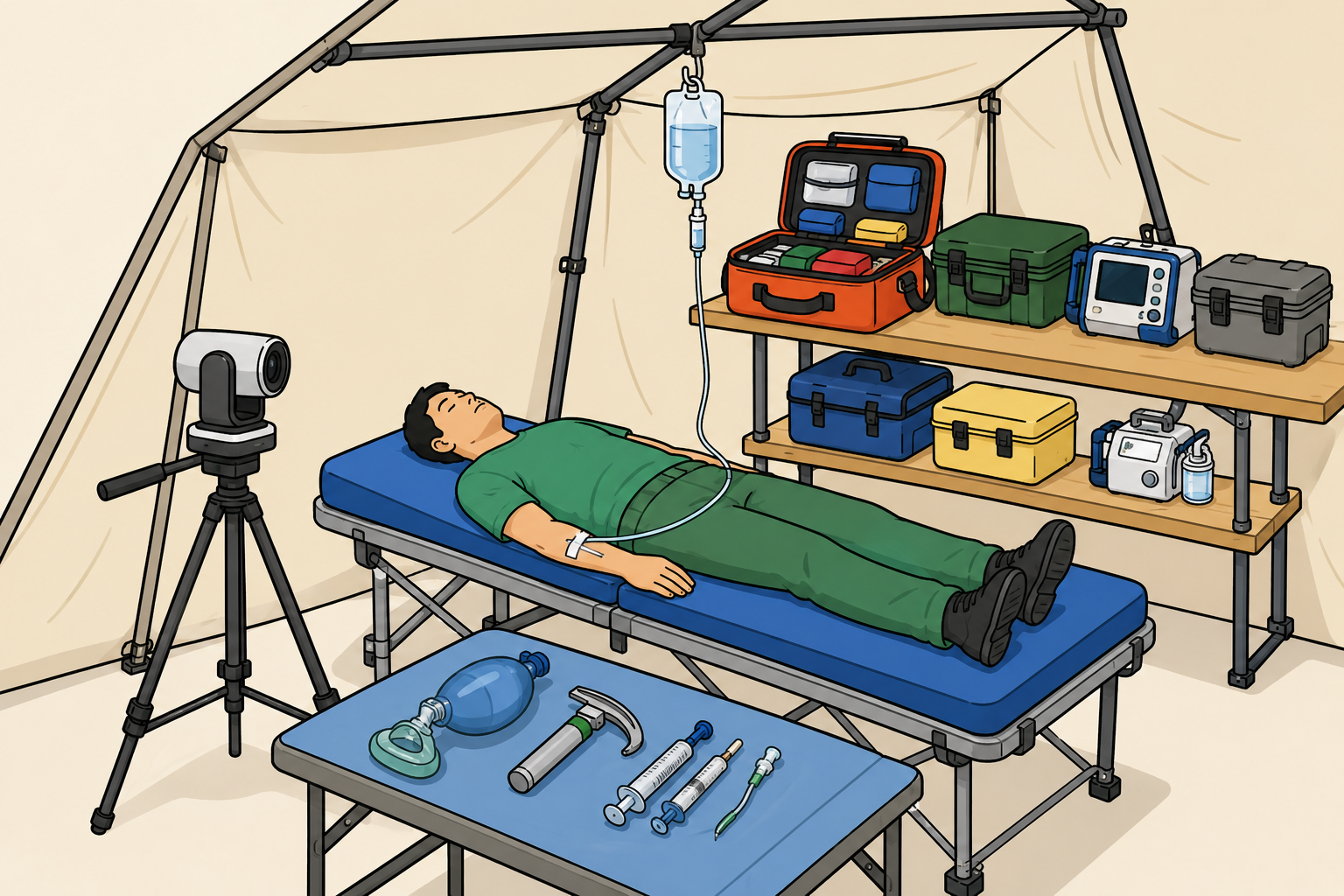
Example aid station. A worked bay to aim for: a treatment table with the patient, a hanging IV,
a telemedicine camera on a tripod, and a shelf of equipment coolers and a monitor. Build your own top-down version from the
components below.
Auto-saves as you edit.
Click an icon in the palette on the right to drop it in. Drag to move; corner handles resize (bottom-right) and rotate (top-left); the red × deletes.
What to lay out. Sketch the flow the smoke-test will use: where casualties enter, where they are
triaged, the resus point, treatment and hold space, the dirty area, the supply and oxygen caches, comms/reach-back, and the
evacuation point. Then run the scenario against it and note in the Gap Analysis where the
space or flow failed.